Vol 2: Software Upgrades
What I bought
The cab came with DDRMAX 2 on it. Fine for a while, but I wanted DDR Extreme. That’s the mix I actually played in arcades.
I’d never swapped software on a System 573 before. Took some reading to figure out what I needed, where to get ISOs, and how the install works on the hardware. Also learned pretty quickly that nothing I owned could burn a CD anymore.
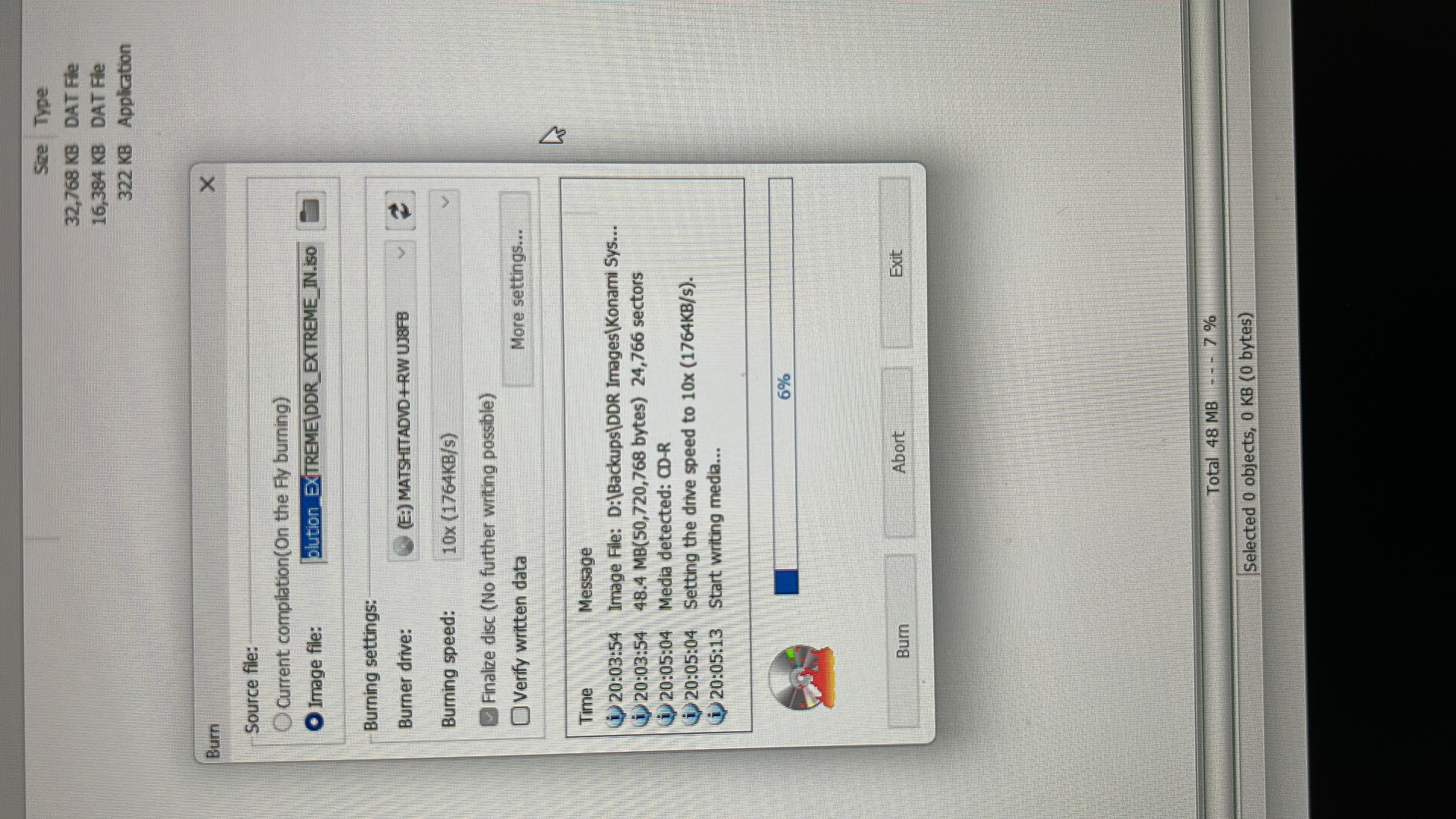
Burning the discs
No optical drive on any machine in the house. PCs just don’t ship with them now.
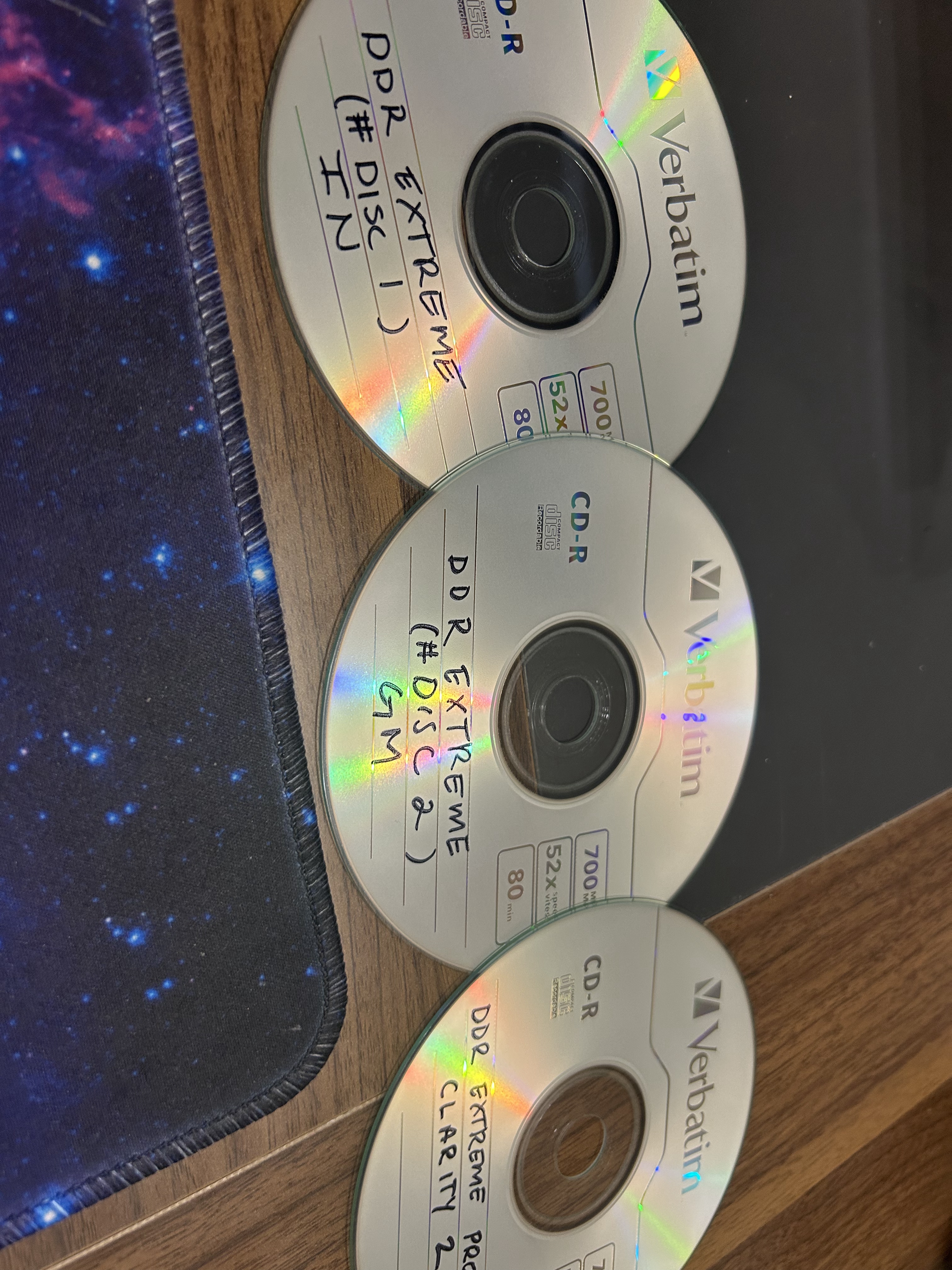
So I picked up a USB CD/DVD drive and a spindle of blank discs. DDR Extreme needs two for this install: an IN disc and a GM disc. I burned a third mix while the drive was out anyway.
Installing Extreme
First time I opened the cabinet for this, I mostly just stared at wires. The 573, the optical drive, cables everywhere, and nothing labeled in a way that helps you.
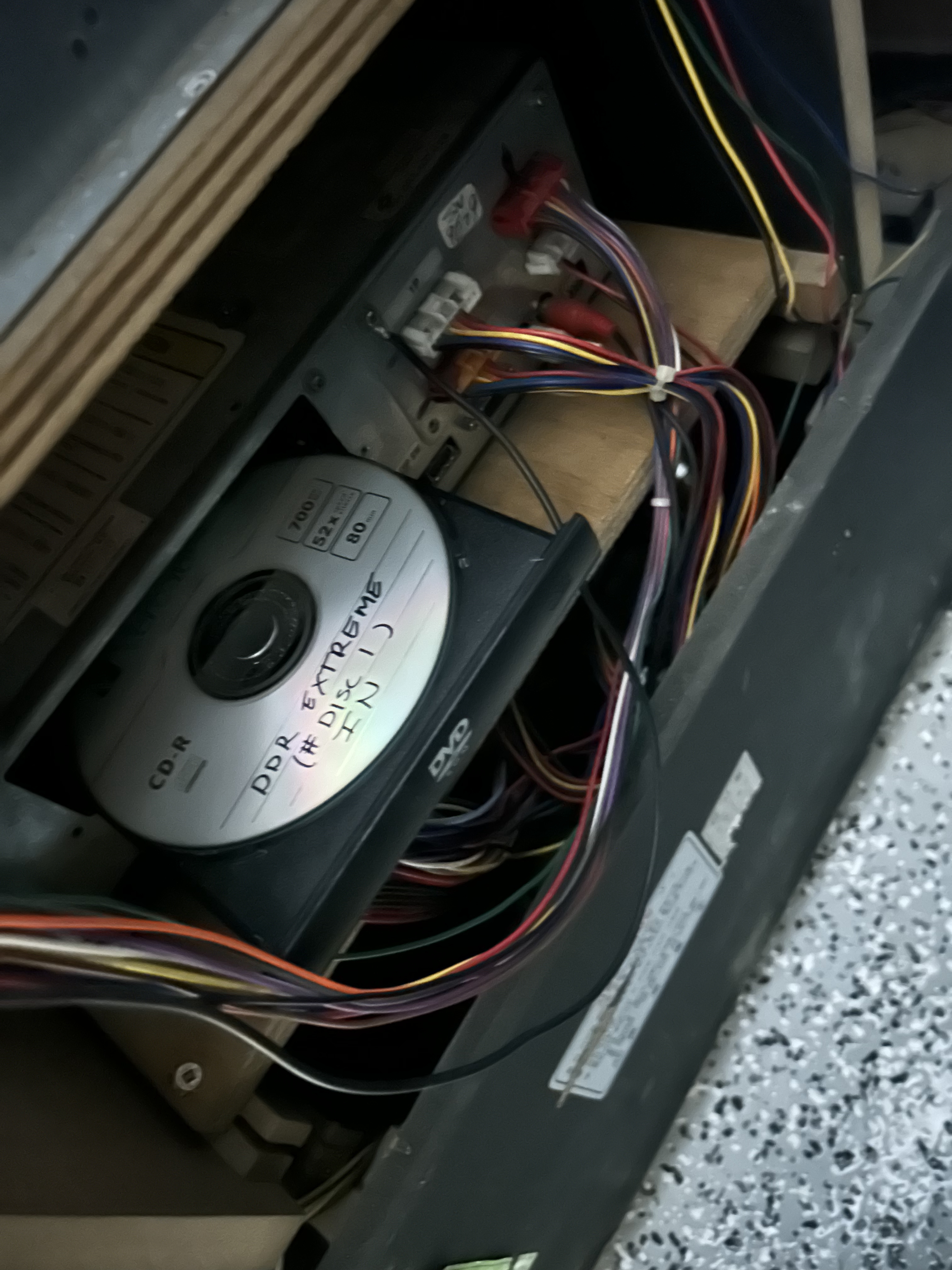
The eject button didn’t work at first. Drive was sticky. Paper clip in the emergency eject hole sorted that out.
Got the tray open, dropped in the first Extreme disc.
Install process, once you know it:
- Turn the machine off.
- Flip dip switch 4 on (shoutout to reddit and the facebook groups for this one).
- Put in the install disc.
- Turn it back on.
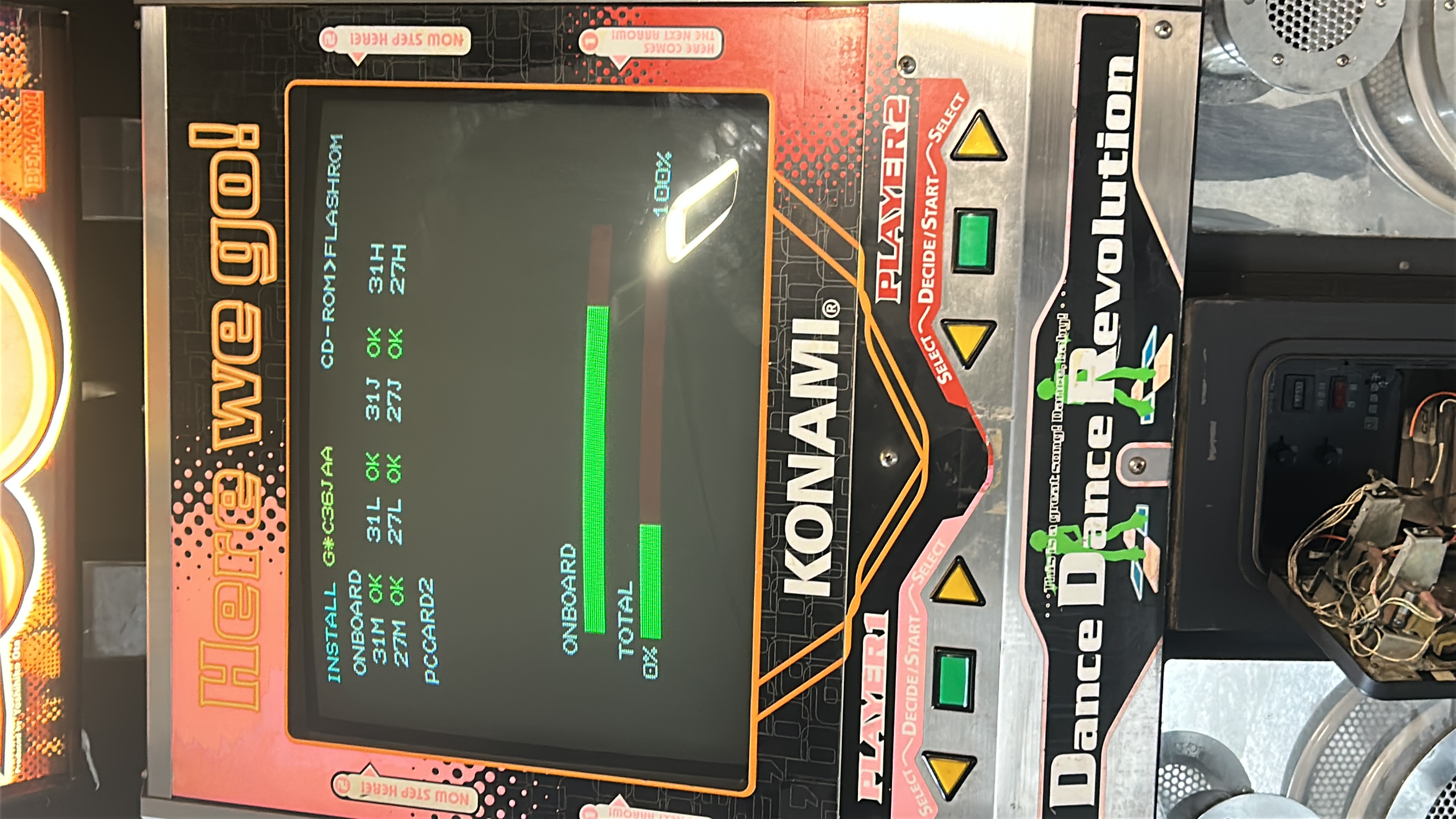
Installer boots and writes to the 573’s flash. Takes a bit. When it’s done, power off, flip dip switch 4 back, reboot.
Game loaded.
Attract mode came up, song select worked, pads still registered. Good enough for me.
Unlock codes
Install gets you the base game. Operator unlock codes get you the rest of the song list.
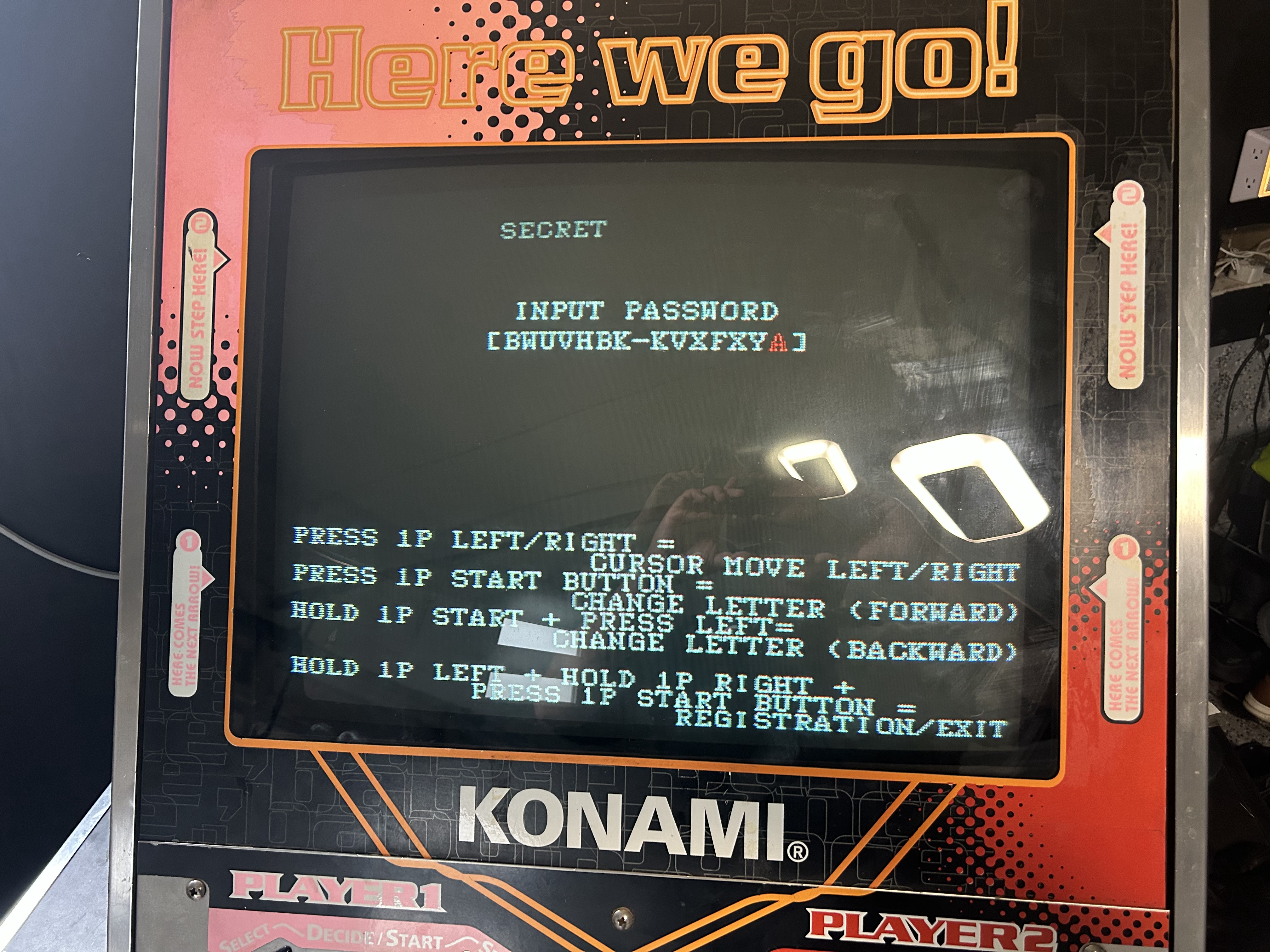
The codes for these mixes are still floating around online if you look. Found the one for Extreme, entered it on the SECRET / INPUT PASSWORD screen, and that opened everything up.
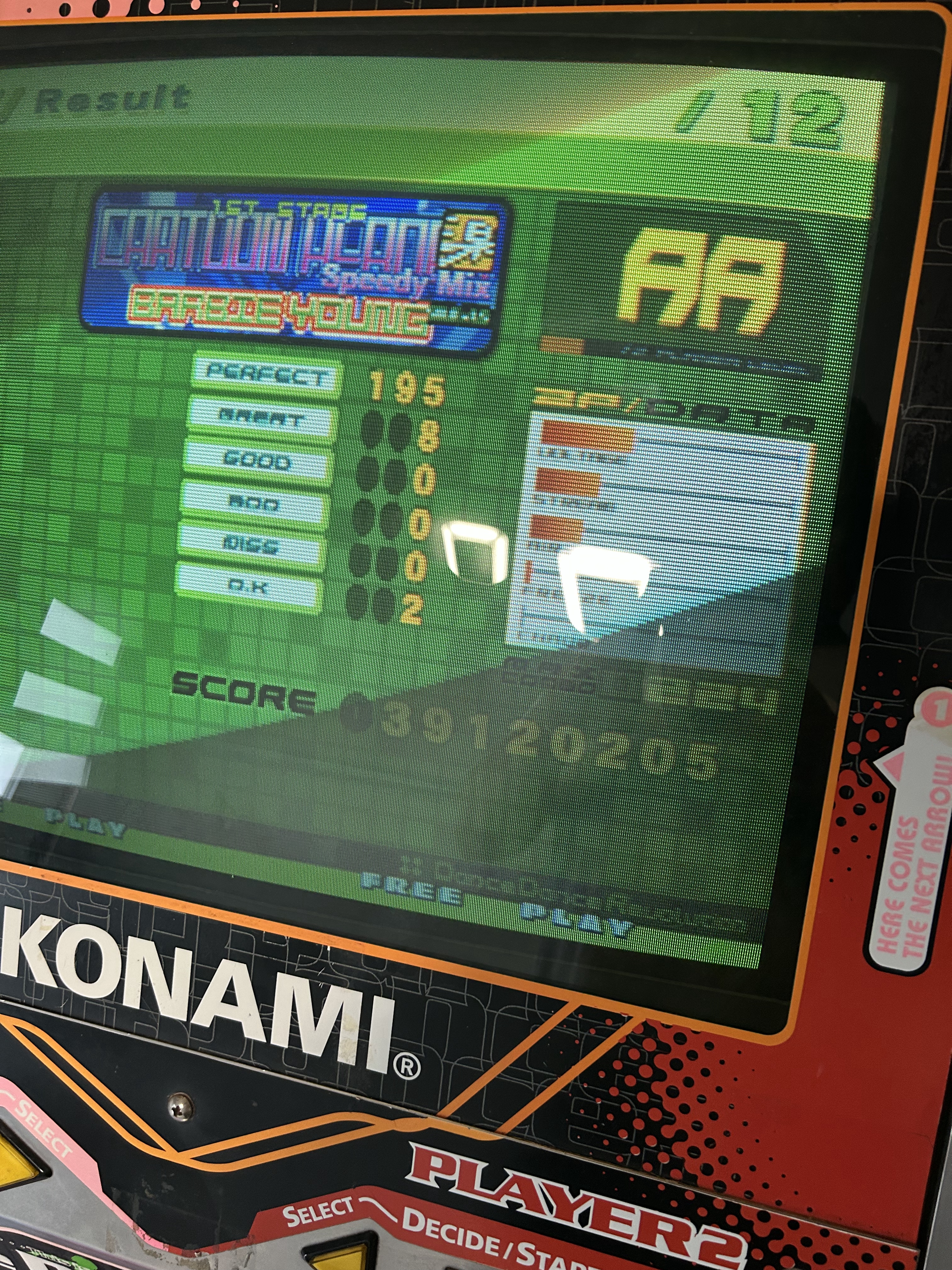
Cartoon Heroes (Speedy Mix). AA.
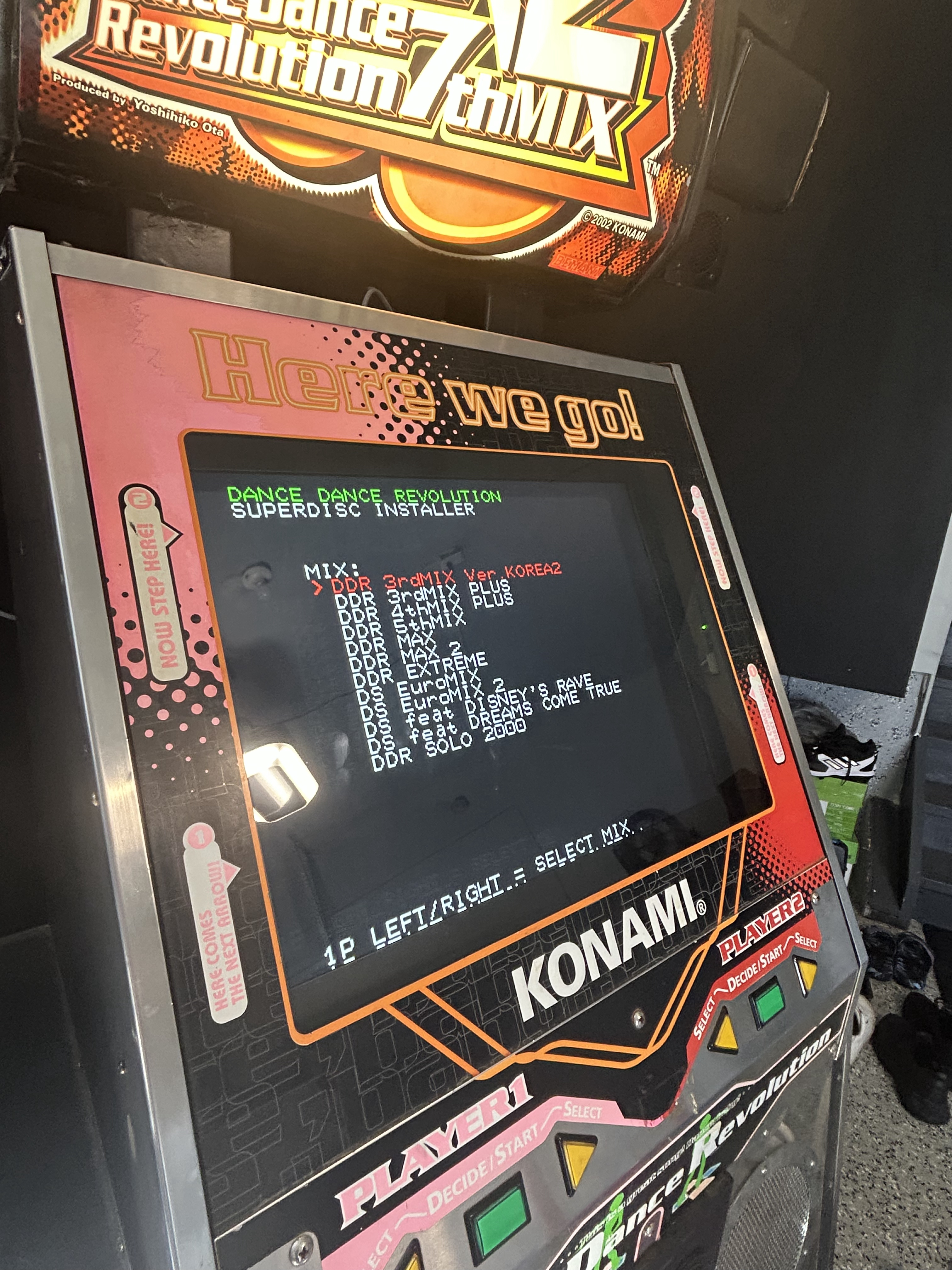
Superdisc
Didn’t love the idea of burning a fresh CD every time I wanted to try another mix.
That’s where the superdisc helps. One DVD with a bunch of compatible mixes on it. Boot into the installer, pick one, install. Same dip switch 4 routine.
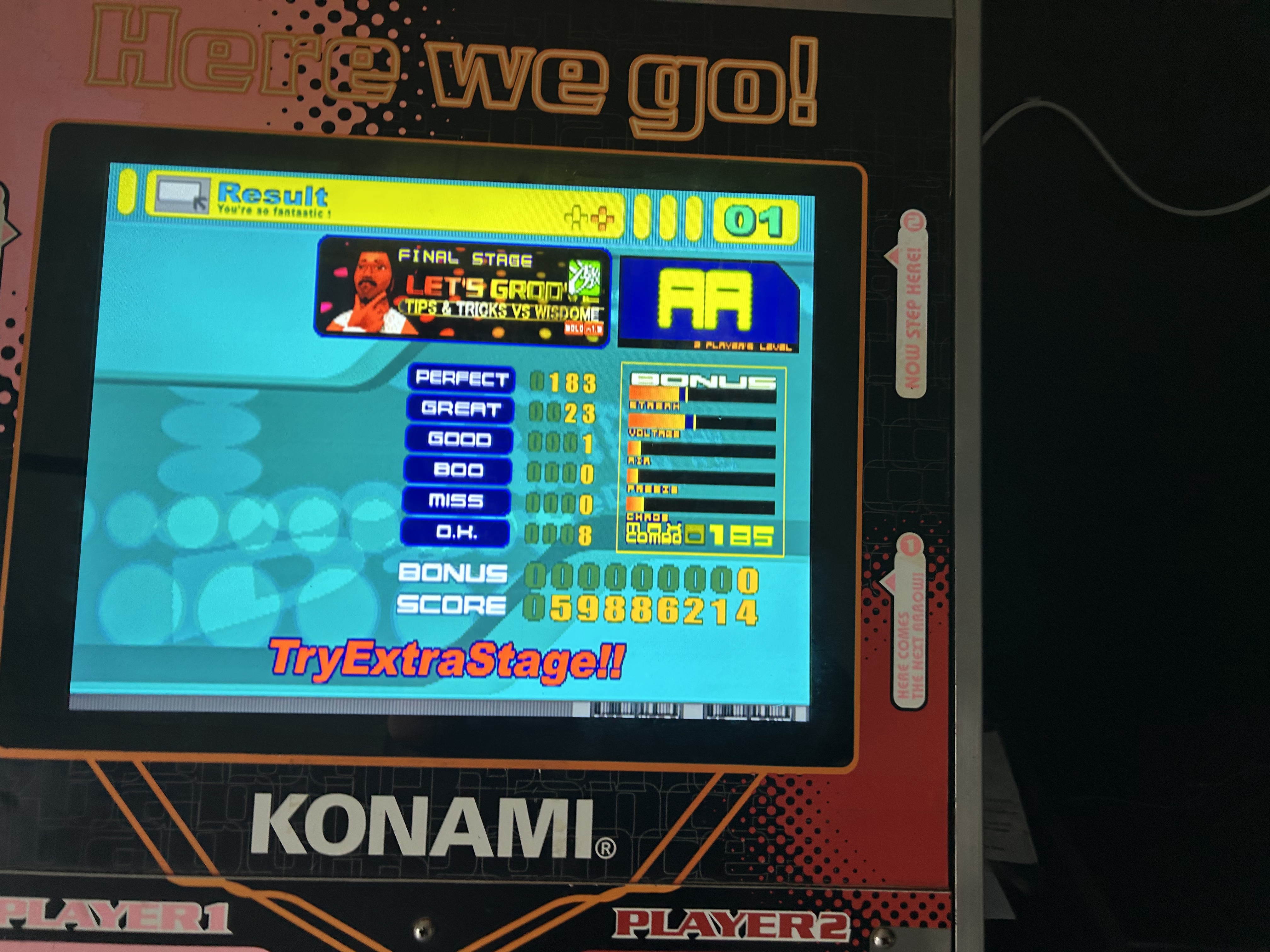
Ran 5th Mix after that to confirm Extreme wasn’t a one-off. It wasn’t.
Swapped to DDRMAX next since the superdisc makes that easy.
This setup can run mixes 1 through 8. I don’t plan to burn individual discs for all of them. For now I’ve got Extreme, 5th, and MAX working, and DDR 3rd Mix Korea 2 is sitting on the superdisc if I ever get curious.